PLACES AND COMMUNITY
Start nearby and check the shoreline
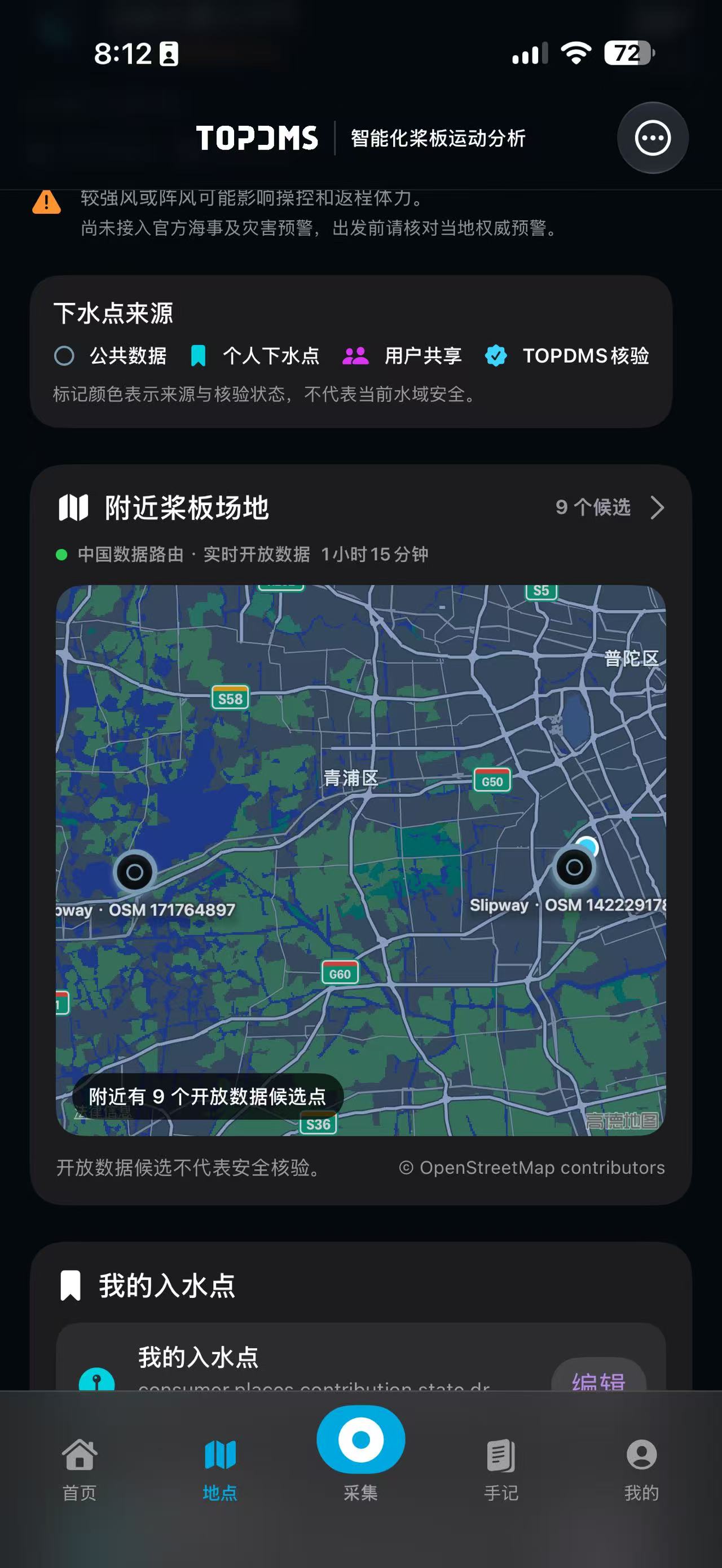
Start with nearby candidates, then check distance, access hours, shoreline entry, and parking notes.
- Map area
- Around your location
- Place details
- Open individually
 PADDLE LAB
PADDLE LAB · PLACES
Start with nearby candidates, shoreline access, and recent updates. Check the water and local rules again before you launch.
PLACES AND COMMUNITY
Start with nearby candidates, then check distance, access hours, shoreline entry, and parking notes.
PLACES AND COMMUNITY
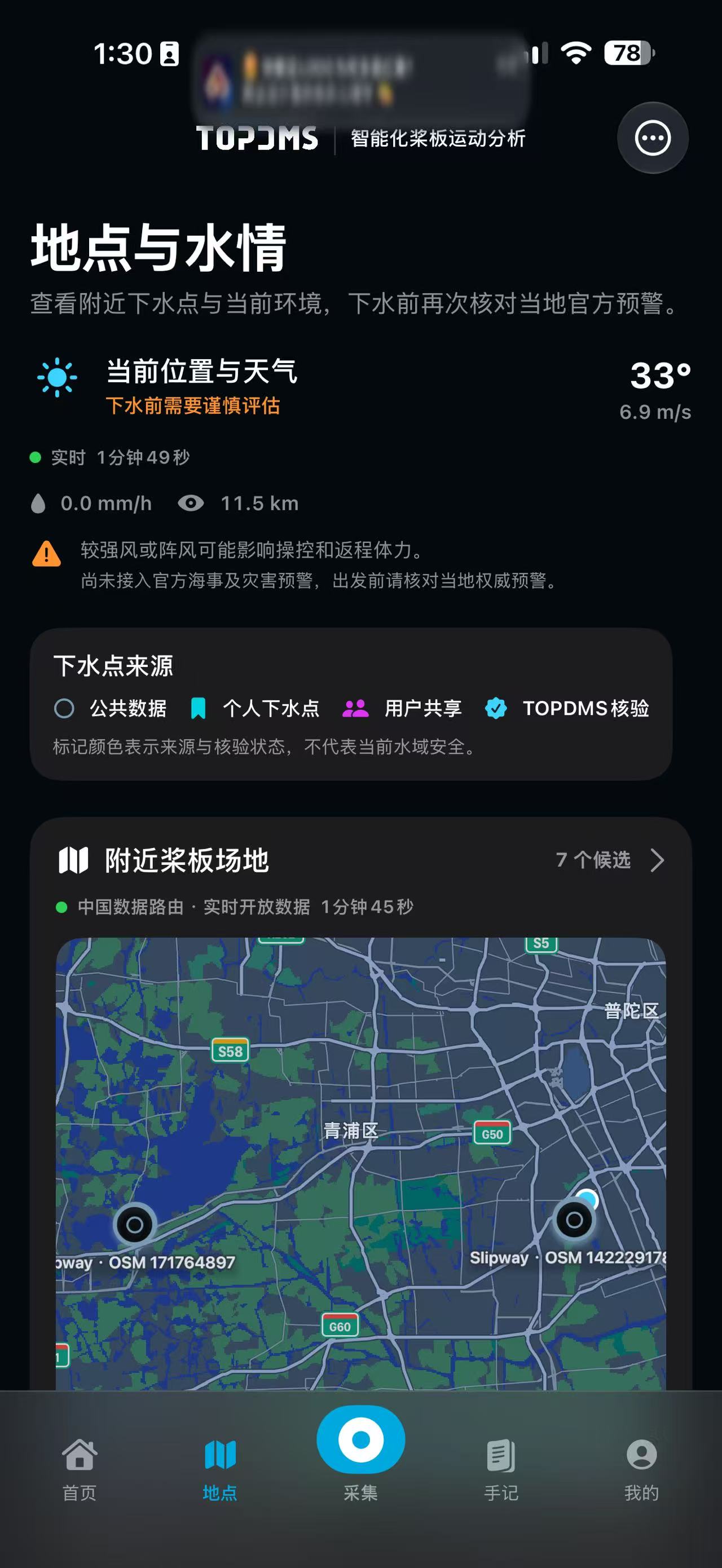
Open data, community shares, your places, and TOPDMS-reviewed places use different colors. No color is a safety certification.
PLACES AND COMMUNITY
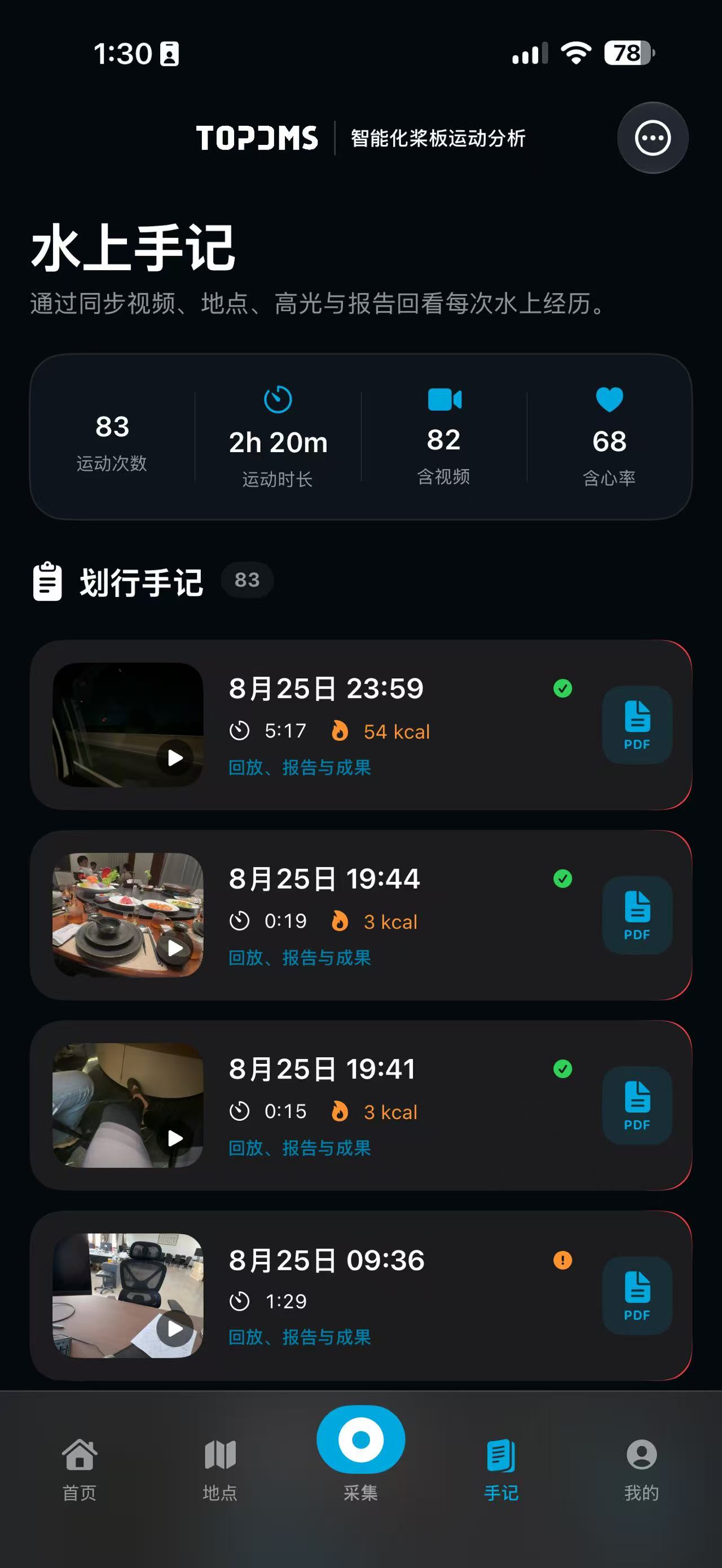
When a water journal is published, confirmed launch and landing places plus the simplified route you allow are public to the community by default. Preview before publishing and withdraw later if needed.
PLACES AND COMMUNITY
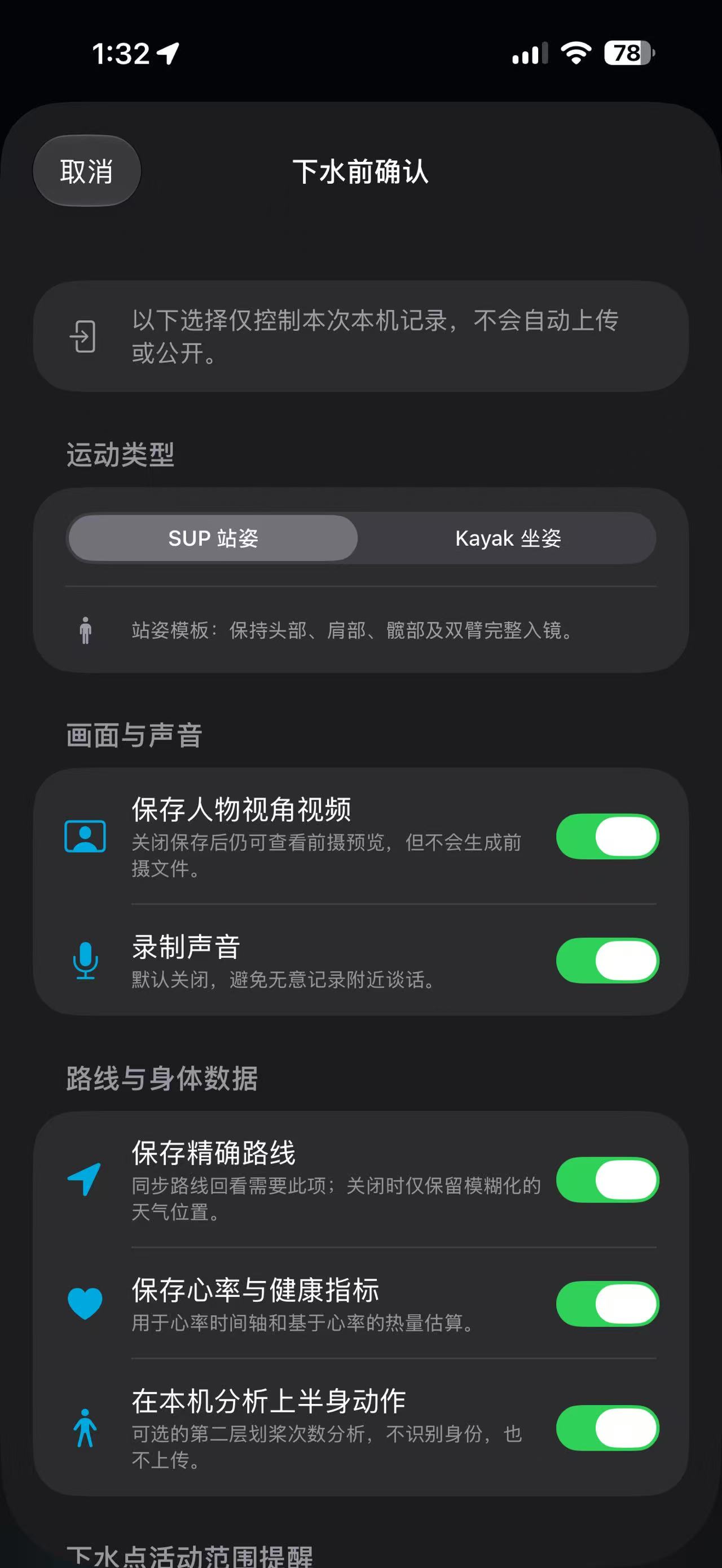
To keep something for yourself, switch the journal, place, or route to private before publishing. Private content stays in your account and off the community map.
OPEN COMMUNITY
Public places, simplified routes, and field notes travel with the journal into the community map. People can explore, comment, and report changes, turning each real visit into a useful starting point for the next one.
Raw dual-camera files, full enhanced video, raw sensor streams, and any precise route not selected for sharing stay in your account. A community post is not TOPDMS review.